How to Use This App
1. Home Page

The home page is the app's initial page. It provides an overview of the app's features and navigation options.
2. Sidebar
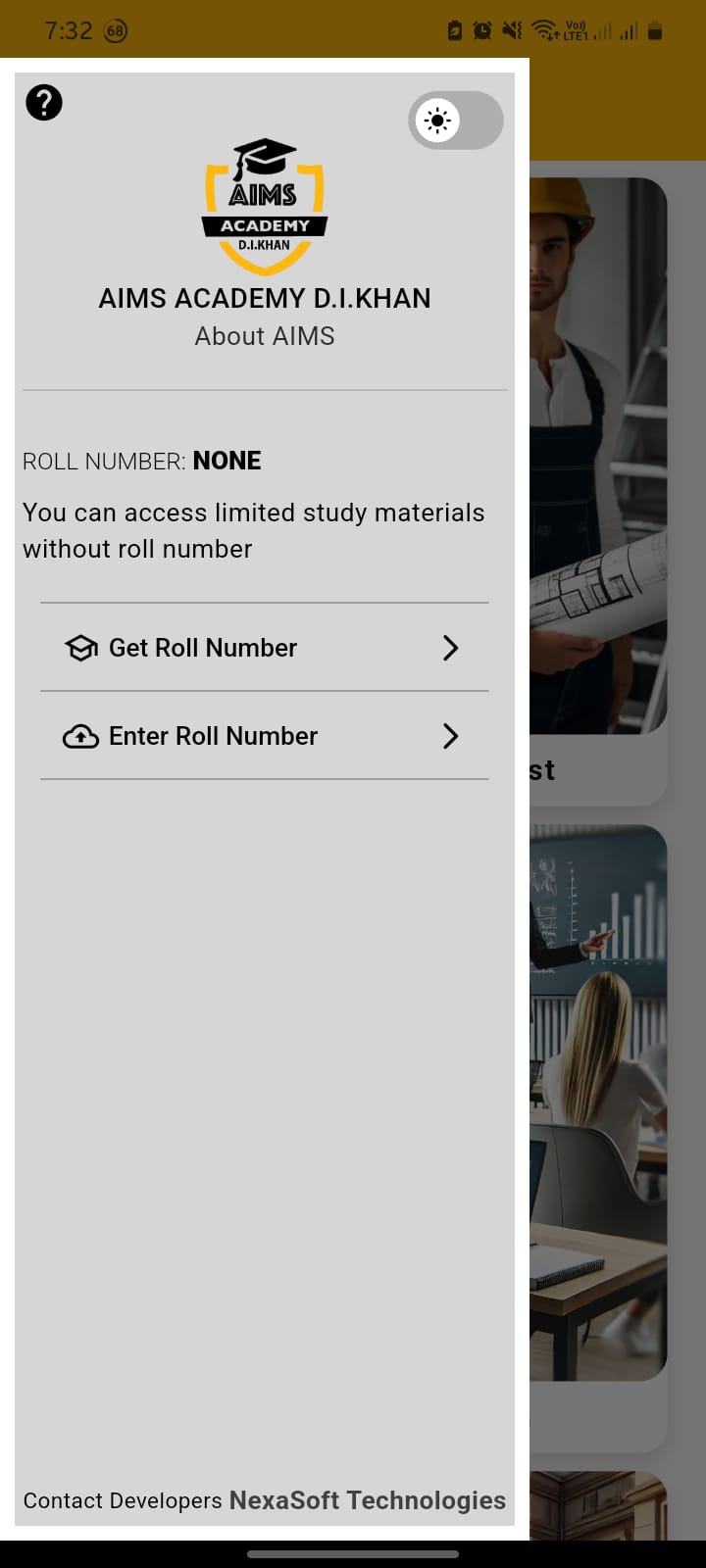
The sidebar contains two options when the user has not yet has a Roll Number:
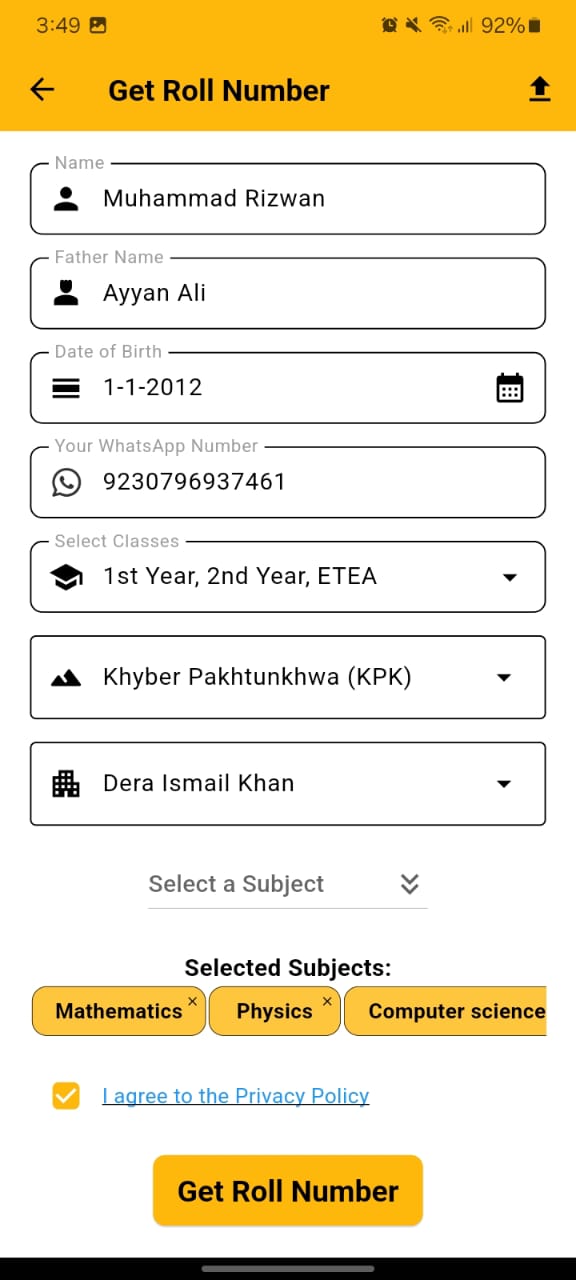
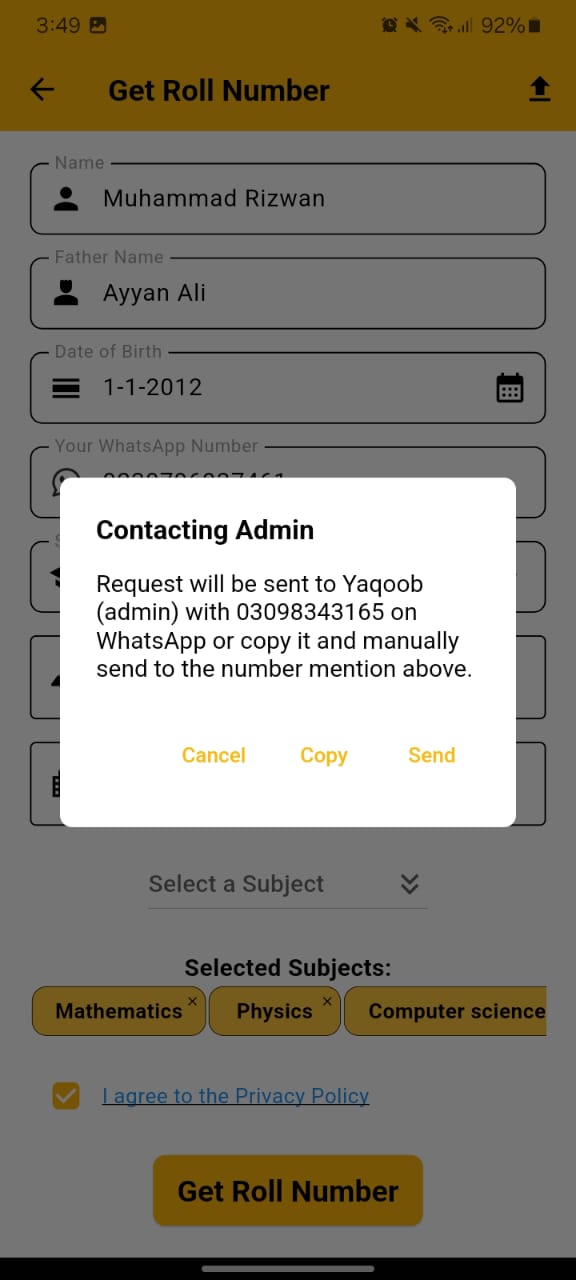
- Get Roll Number: Fill in your details such as name, father name, date of birth, class, subjects, etc., and click the 'Get Roll Number' button.
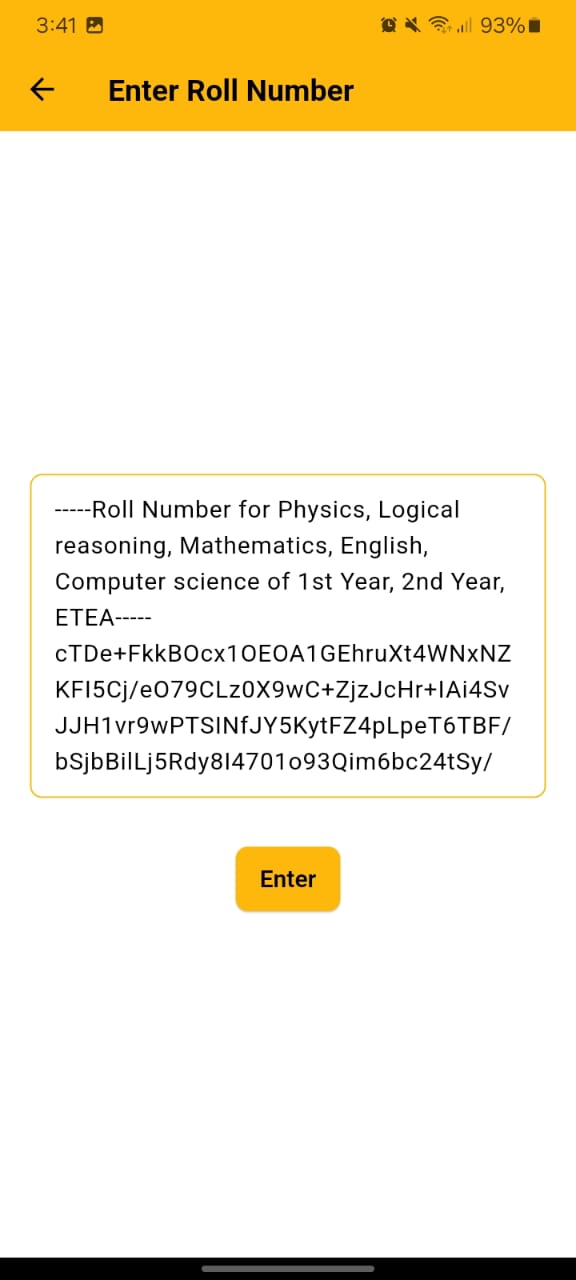
- Enter Roll Number: Paste the roll number code you have been given, press enter, and you will be enrolled.
3. Once Entered Roll Number
Once Entered Roll Number, the sidebar will display your name, roll number, class, and other details, along with two buttons:
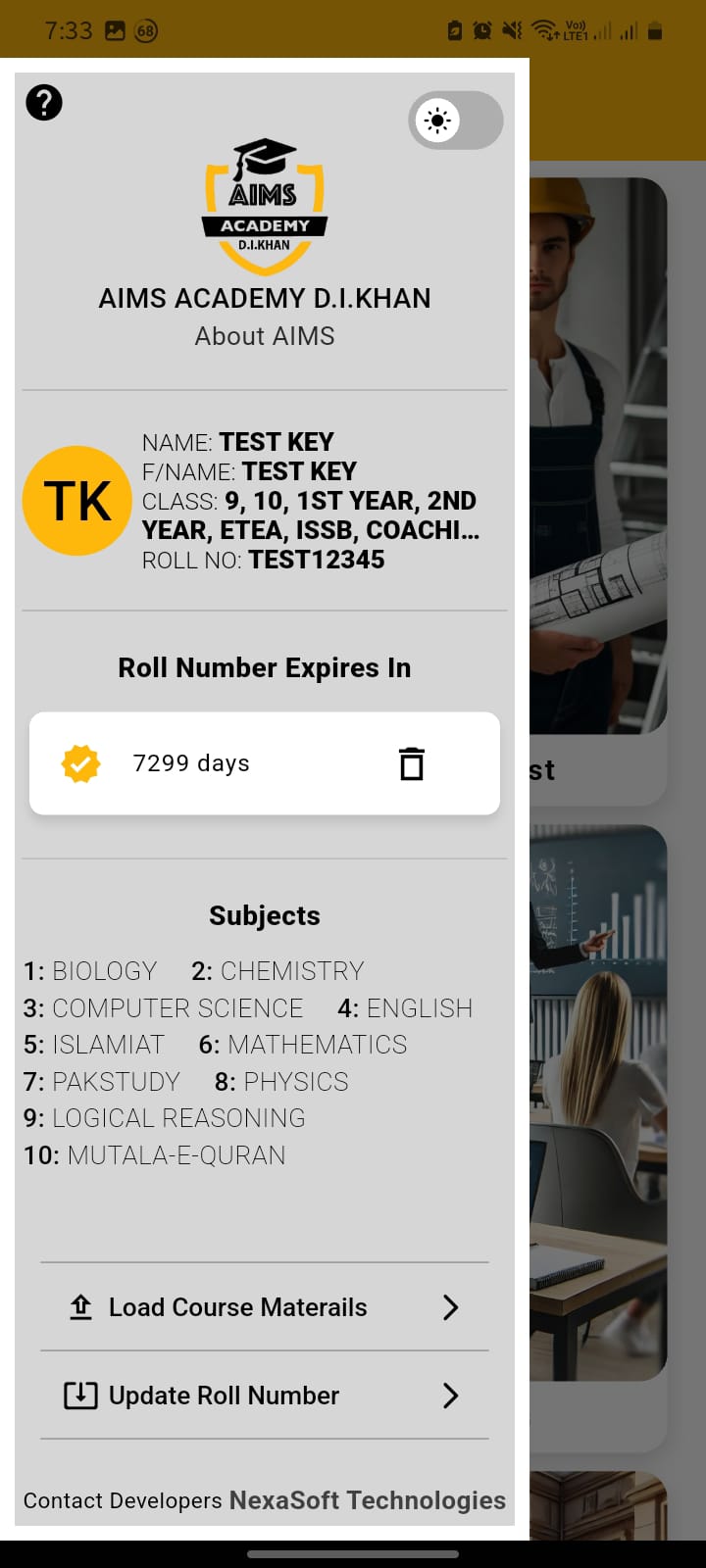
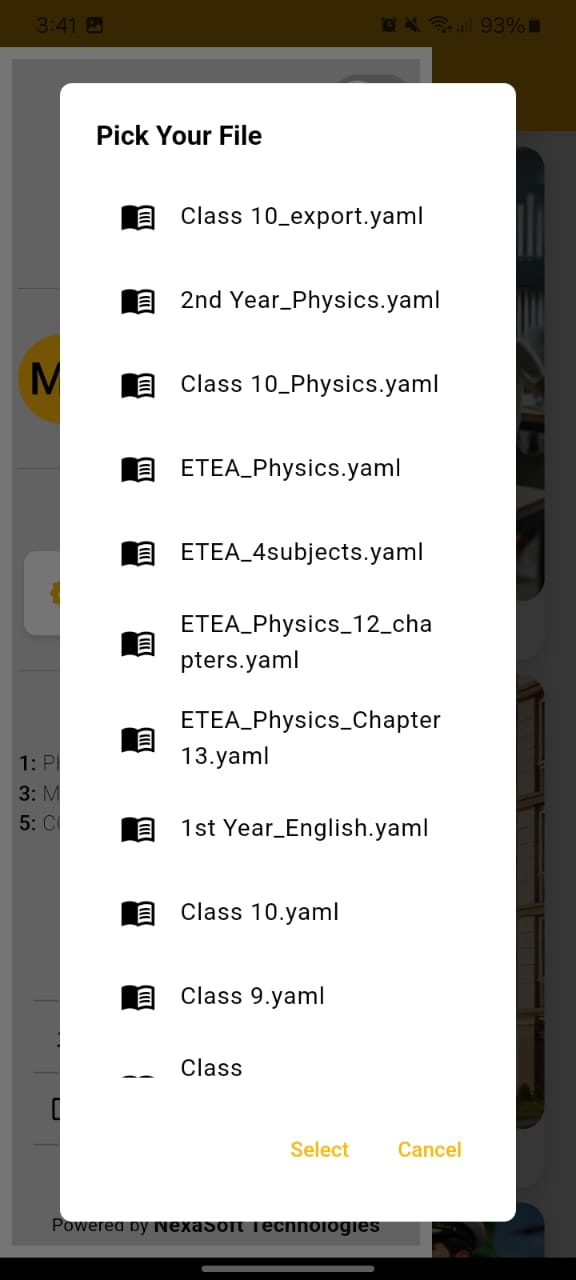
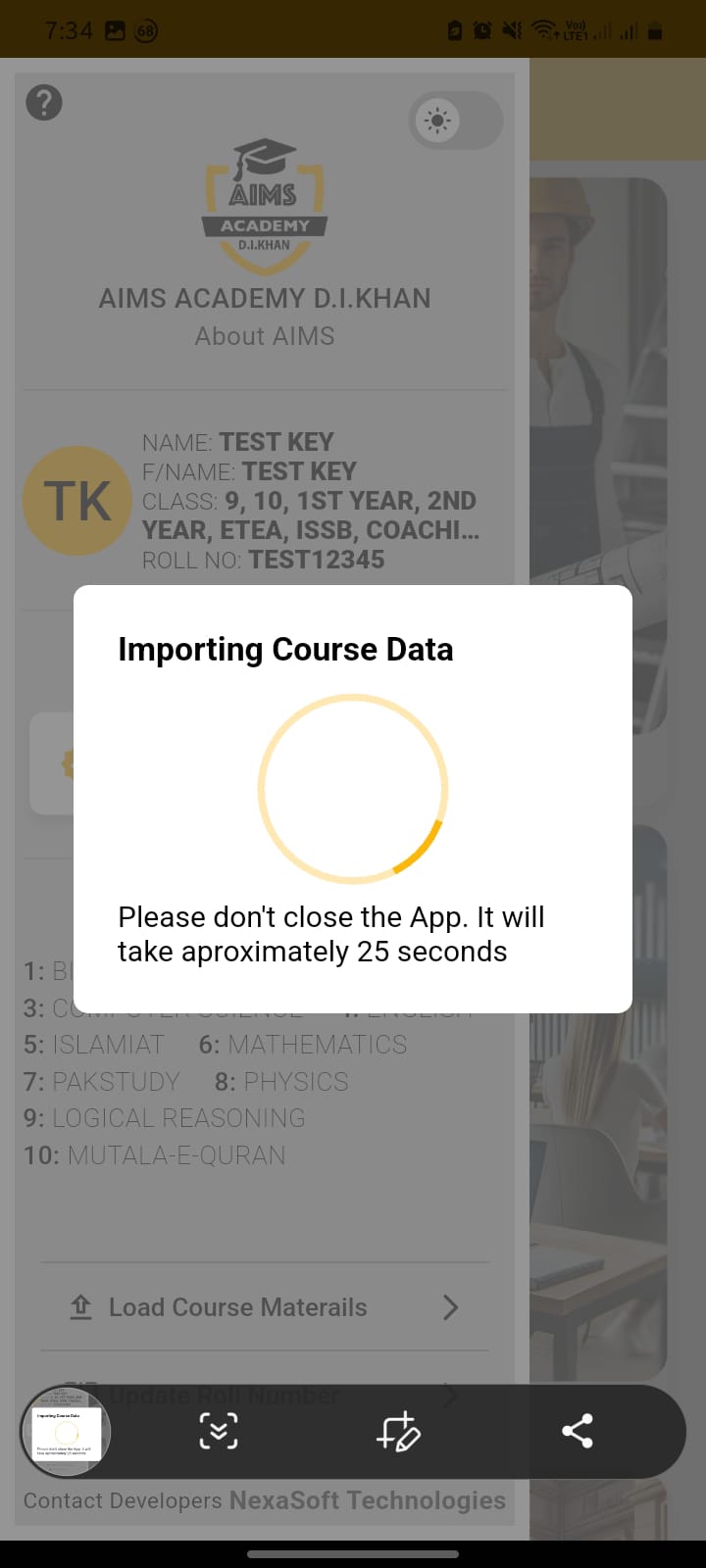
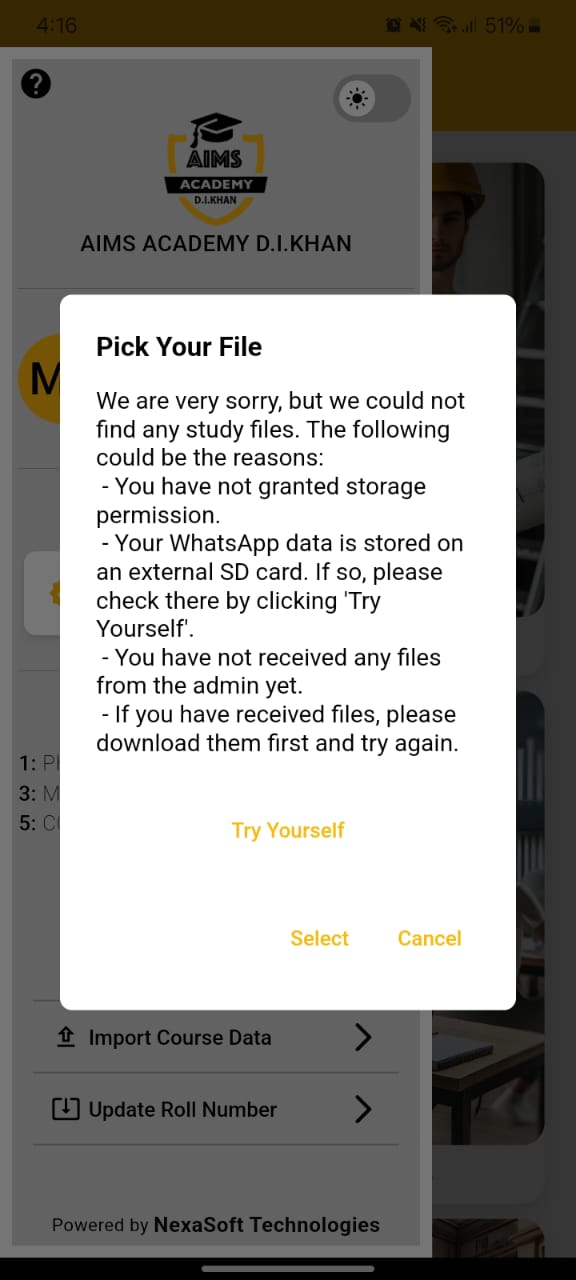
- Import Course Data: Loads a list of course files sent by the admin. Select the file and press 'Select.' If the file is not listed or the search fails, then you can find it using the file picker by tapping 'Try Yourself'.
- Update Roll Number: Similar to 'Enter Roll Number.' If your subject or class has been changed by the admin, you can update your Roll Number here.
4. Delete Roll Number
Sidebar also show the days remaining for your Roll Number to expire and with it you can also delete your Roll Number if you ever have to.
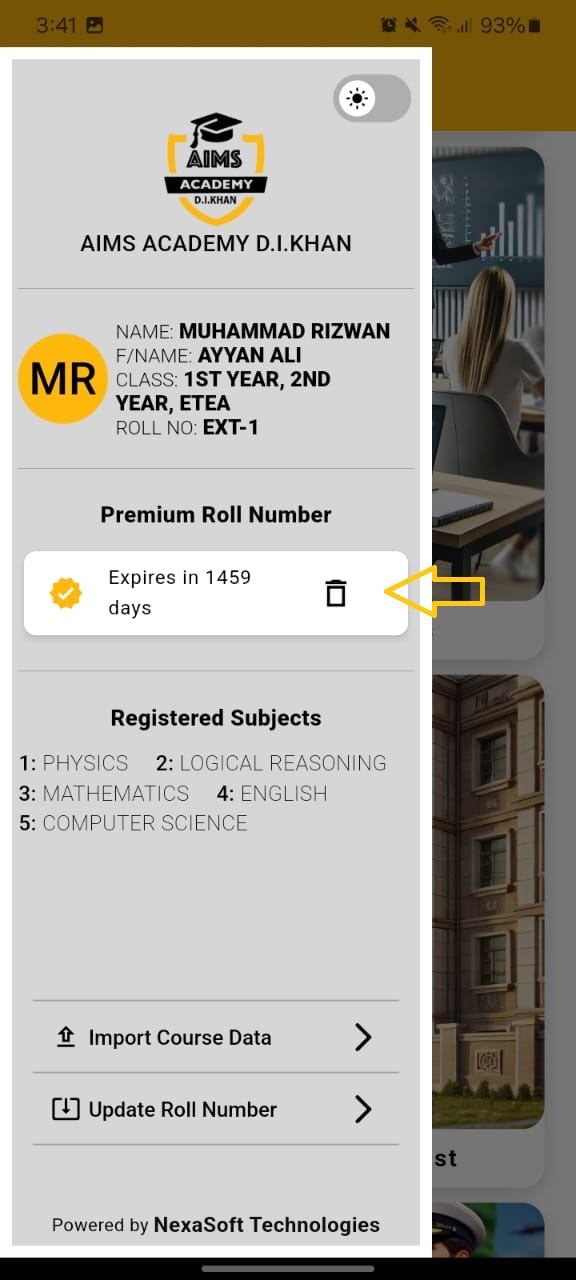
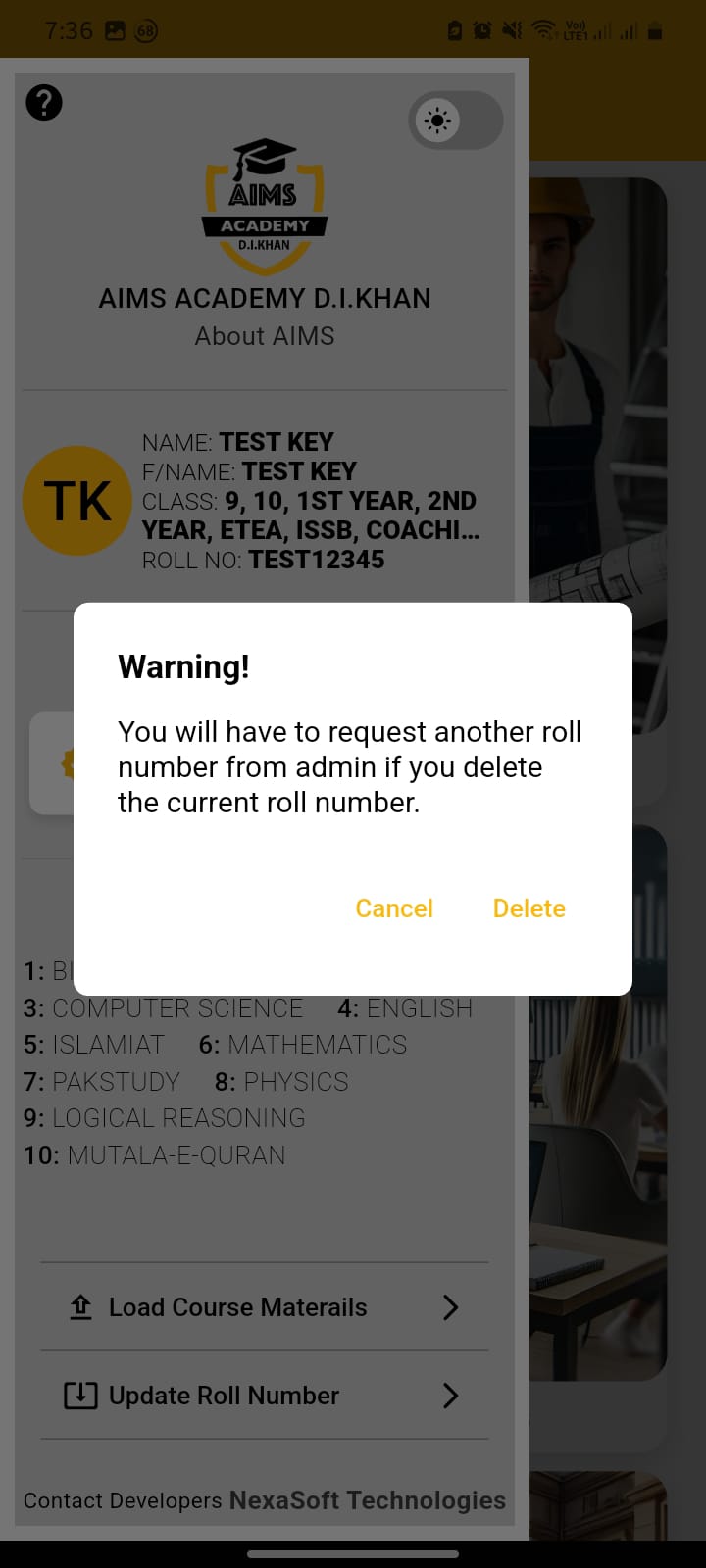
5. Without Roll Number vs With Roll Number
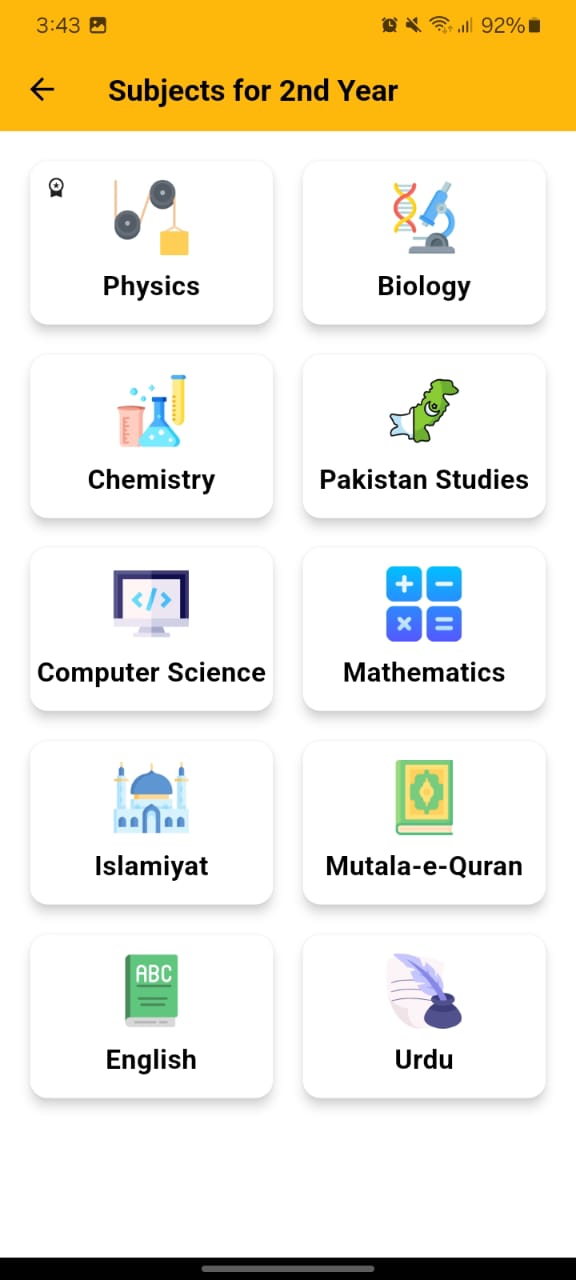
Without a Roll Number, you will have access to limited content. With a Roll Number provided by the admin, you can explore all the classes and subjects associated with your Roll Number. In the screenshot, you can see that we have included the Physics subject with a special marker on the top left corner.
Demo Access Key
For evaluation purposes, you can test the app's comprehensive features using our demonstration key below:
-----Roll Number for Biology, Chemistry, Computer Science, English, Islamiat, Mathematics, PakStudy, Physics, Logical Reasoning, Mutala-e-Quran of Class 9, Class 10, 1st Year, 2nd Year, ETEA, ISSB, Cadet Coaching-----
FbllfuLUHKCdu0B34R1YJdZKN+DtWiM/YGD3cSejaDSwDzkIkyRlU12kuxM8tdXMC3dFGUw1OAWgS5wkfU8CiOV5zF1rnDJy8HFv9VRsOT253SzBX3ntPz5mcX3hl7D5C+Ar1ZPr8TjsHJw6es1cJ0IpQewP+voScuP4cZwgvvAdRYdoAo5cfiaOj6KkVZ9n0cfIXL+TpCvqgMtTx5R6bZbEMKbqr6wGo0nwREc5lVpvhY11vjP85mkLDugGrJoSMN3o4Yk3v6IK4oGLir+LjWmbOrBi0z/RjNOcdJ3HxDJNlHToHCY+9r+nLEOp5EOKH2nADvyjmNJXNwC4A9geXQ==|||||RBxYABpAdN7BYH9fzUvR0NzS0fLt3Ht2Bwq6HT1On82VNs7wBEOdNq29XkJ5uAh1n78LTTfPVmwU3F997ukoPWIXGbojn8ghgZgw1c9kCG1lHdcwOtJvsKEZ4IX8JOpiav6BKvltBQ4okUDxzl8H44G8MPNJVBp4C9VDLoWIKAB44g1MF7Alg0swHzedqTtaCx4HprzyF01uUqOb/z80nvAu05Md55+nvUrEFHlgsfStXwz2q/SZ1havQWbdoo+e/7Jj3mOF4pge20UWyCKRnExpzRNU/Pr58sJXT37eJUaAPDKWW3WZE9YKsKWhCK1fwIgv40mPSxK40FNkf3Hb3w==
-----Roll Number for Biology, Chemistry, Computer Science, English, Islamiat, Mathematics, PakStudy, Physics, Logical Reasoning, Mutala-e-Quran of Class 9, Class 10, 1st Year, 2nd Year, ETEA, ISSB, Cadet Coaching-----
Note: This is a demonstration key provided for testing purposes. It grants temporary access to all features across multiple subjects and classes. For continued access, please obtain an official roll number through proper channels.
Download Test Data
This file contains dummy test data for evaluation purposes. Click below to download:
Download Test Data YAML File